Your China & Yunnan Travel Experts



Weixin Pay (often called WeChat Pay) and Alipay are widely used for merchant payments in China, but the setup for an overseas visitor is no longer the Chinese-bank-only process shown in this older screenshot series. Current government guidance says eligible visitors can register with an international or mainland phone number or email, verify identity with a passport and link supported overseas cards. Begin with the dedicated WeChat guide and Alipay guide; card brands, fees, limits and available functions remain account-specific.
Digital red packets preserve the social idea of a hongbao—money offered with good wishes—inside a chat app. They are most visible around Chinese New Year, weddings and other celebrations, yet the recipient relationship matters more than copying a “lucky” amount. A red packet is a personal transfer feature, not the same as scanning a merchant QR code. Overseas-card support for merchant payments does not guarantee access to wallet balance, person-to-person transfers or red packets.
How much should a digital red packet contain? Common auspicious-looking amounts include 18, 28, 58, 68, 168 and 188 yuan because the spoken sound and cultural associations of 6 and 8 are often considered favourable. Context comes first: friends, relatives, children, colleagues and formal occasions follow different expectations. Avoid turning a friendly gesture into pressure, never send money to prove identity, and do not infer that a larger amount is automatically more respectful. See the Chinese New Year gift guide for broader etiquette. Read the cultural context before choosing an amount.
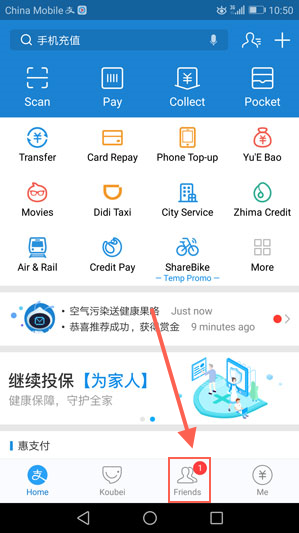
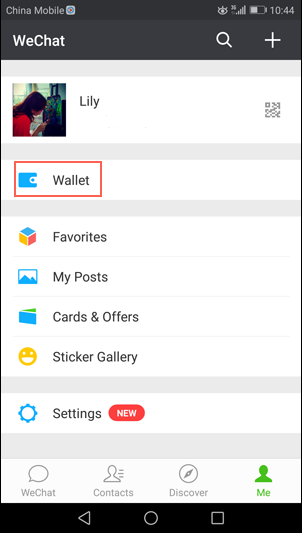
Open WeChat, go to Me, and look for Services, Pay or Wallet. The label and menu position vary by app version, region and account. The screenshot below records an older interface and is retained only to show the general profile-to-wallet route; follow the words displayed in your current app.
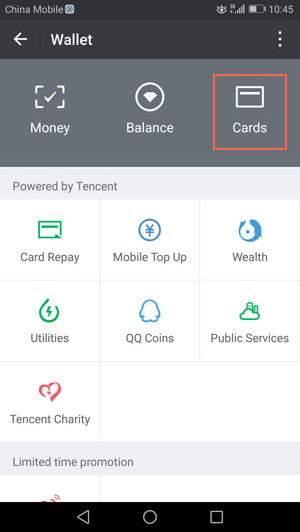
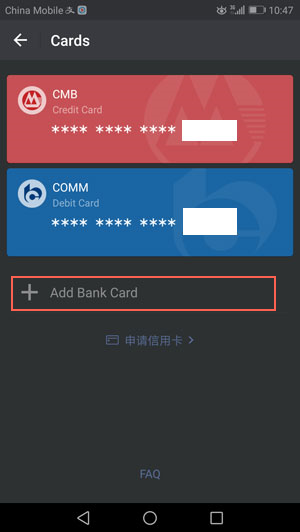
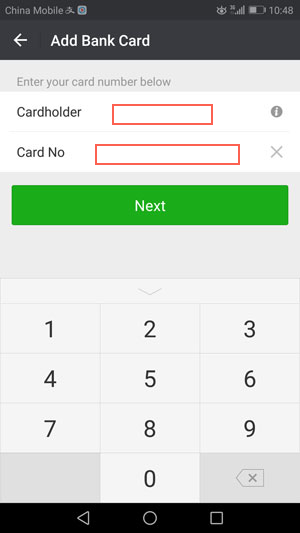
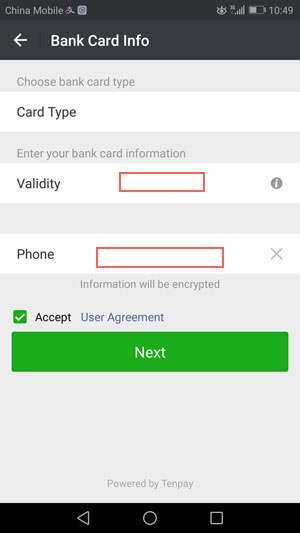
Use your passport name exactly as requested and add a card shown as supported in the app. Current Chinese government guidance lists major networks—including Visa, Mastercard, UnionPay, American Express, JCB, Diners Club and Discover—across mobile-payment products, but availability differs by platform, issuing bank, country and transaction type.
Replace the old bank list with this practical pre-check:
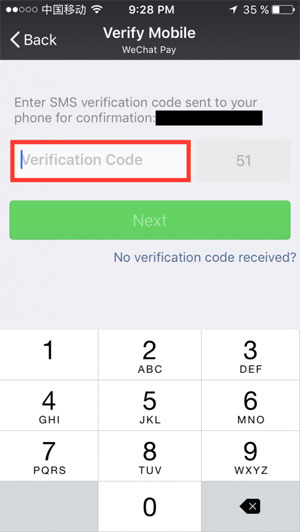
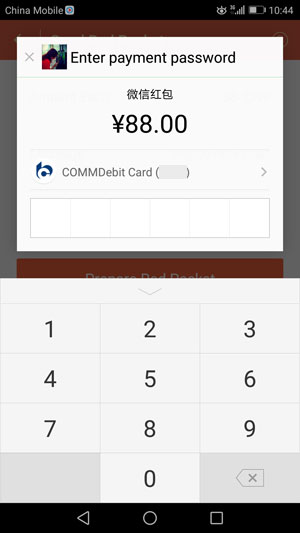
Enter only a code you requested inside the official app. Never read an SMS code, payment password or card security code to a stranger, “support agent,” driver or merchant. If verification fails, stop repeated attempts and contact the payment platform or card issuer through an official channel.
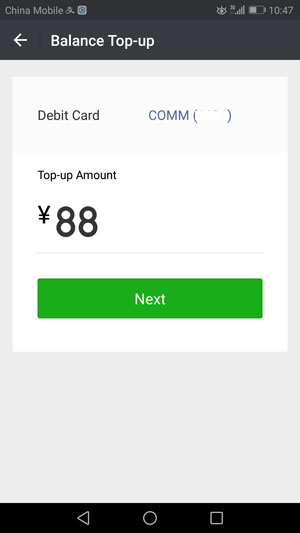
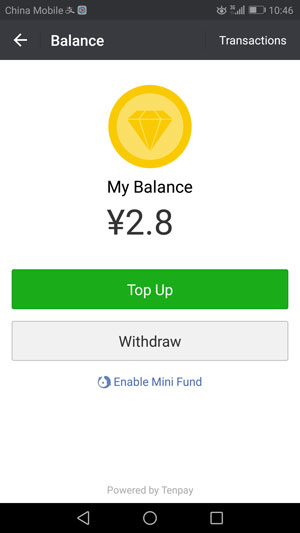
Use a unique payment passcode, enable device security and confirm which card will fund a purchase. An overseas card may work for eligible merchant payments without creating a stored RMB balance. Do not rely on old claims about wallet top-ups, withdrawals, transfer time or blanket fee exemptions; read the confirmation screen and service agreement for the actual account.
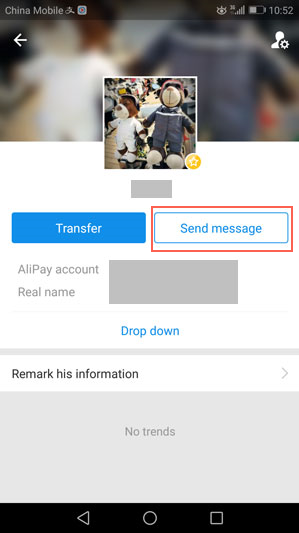
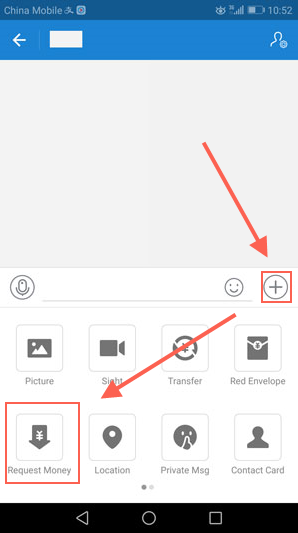
Use the plus menu in the chat only after confirming the recipient's profile. The retained screenshot shows the approximate location in an older version; the current menu may use different wording or icons.
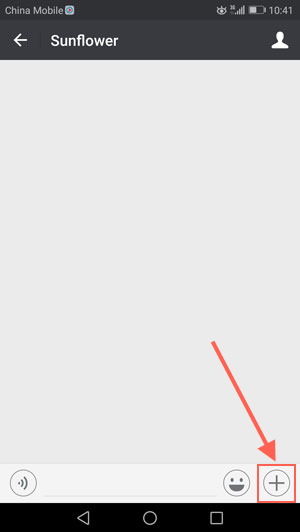
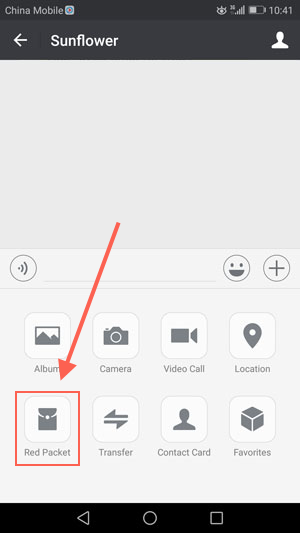
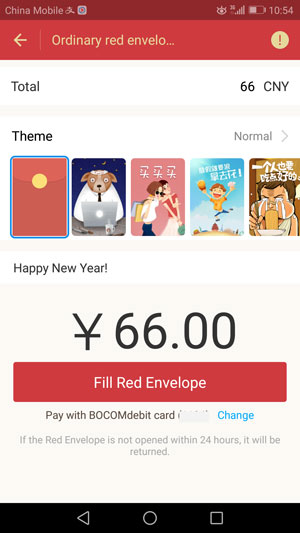
Cultural note: a simple “Happy New Year” or occasion-specific wish is usually clearer than a copied slogan.
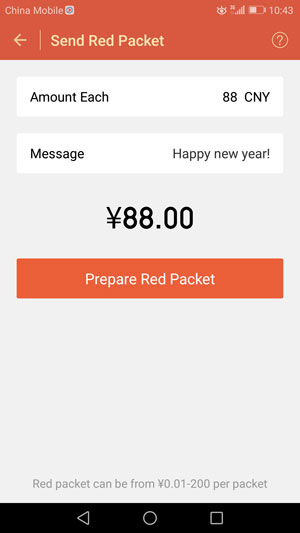
After confirmation, the recipient normally opens the packet in the conversation. If Red Packet is missing, the linked overseas card is declined, or the app requests another funding method, do not work around the control through an unknown intermediary. Use an ordinary gift, cash from a legitimate source or another mutually agreed method.
Fees and limits are displayed for the eligible account and transaction inside the current app .
International-card users should not assume that person-to-person red packets are supported . Merchant QR payments, wallet balance, transfers and red packets are separate capabilities. Check the final app screen instead of relying on the former 1,000-yuan annual threshold or 200-yuan packet cap, both of which may be obsolete or irrelevant to an overseas visitor.

The safety and card checks are similar to Weixin Pay, but the menus and eligibility rules are not interchangeable. Government guidance confirms overseas-card linking for mobile payments; it does not promise that every Alipay account can make a personal red-packet transfer.